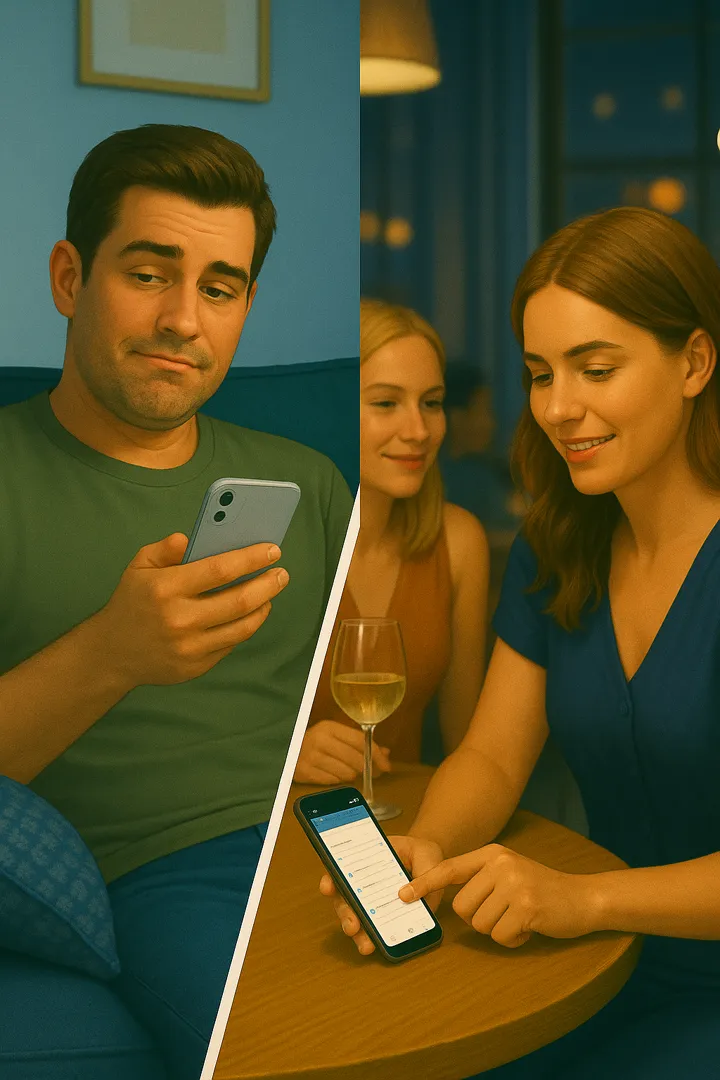
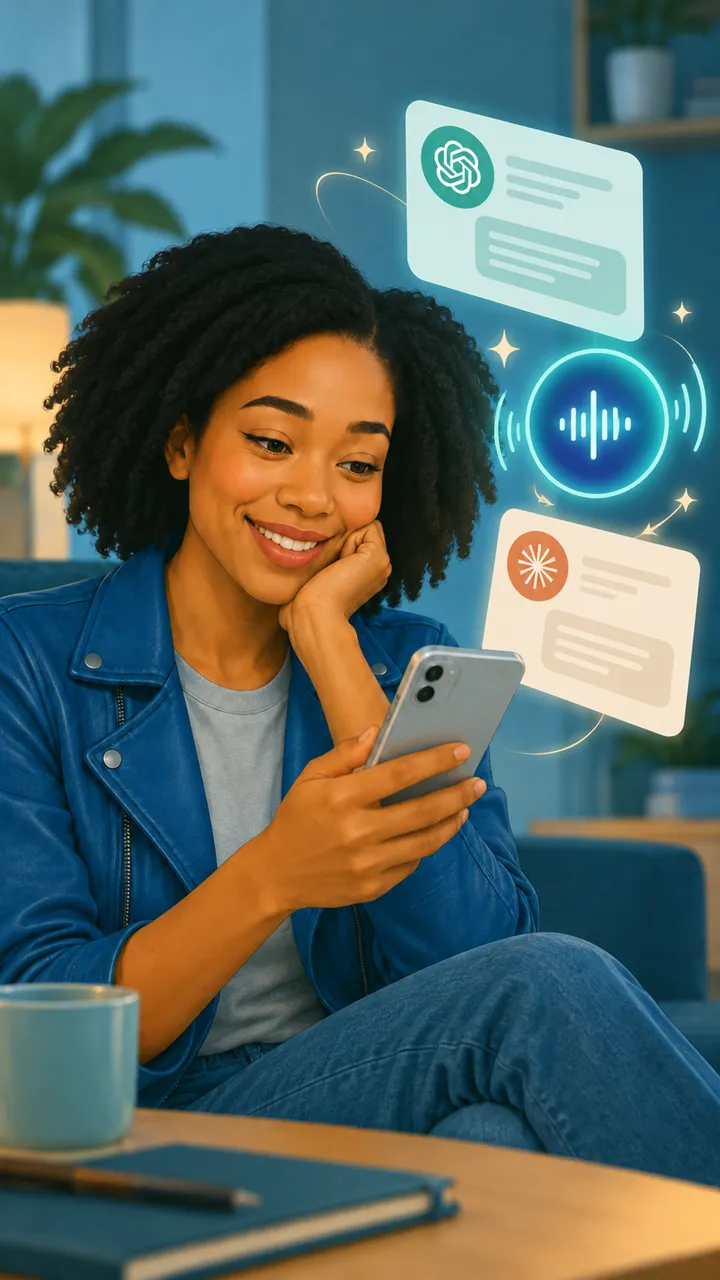
Send Tocket a screenshot or photo – it spots events, to-dos, payments and the small print that matters, files them under the right topic and reminds you when it counts. And ChatGPT or Claude are in the loop from now on.
Understands whatever you snap:WhatsAppBooking emailsLetters & invoicesNotices & sticky notesCalendar
A week with Tocket
Five pictures. Zero paper chaos.
This is what it looks like when Tocket thinks along – from a photo of a notice board to a question in ChatGPT.
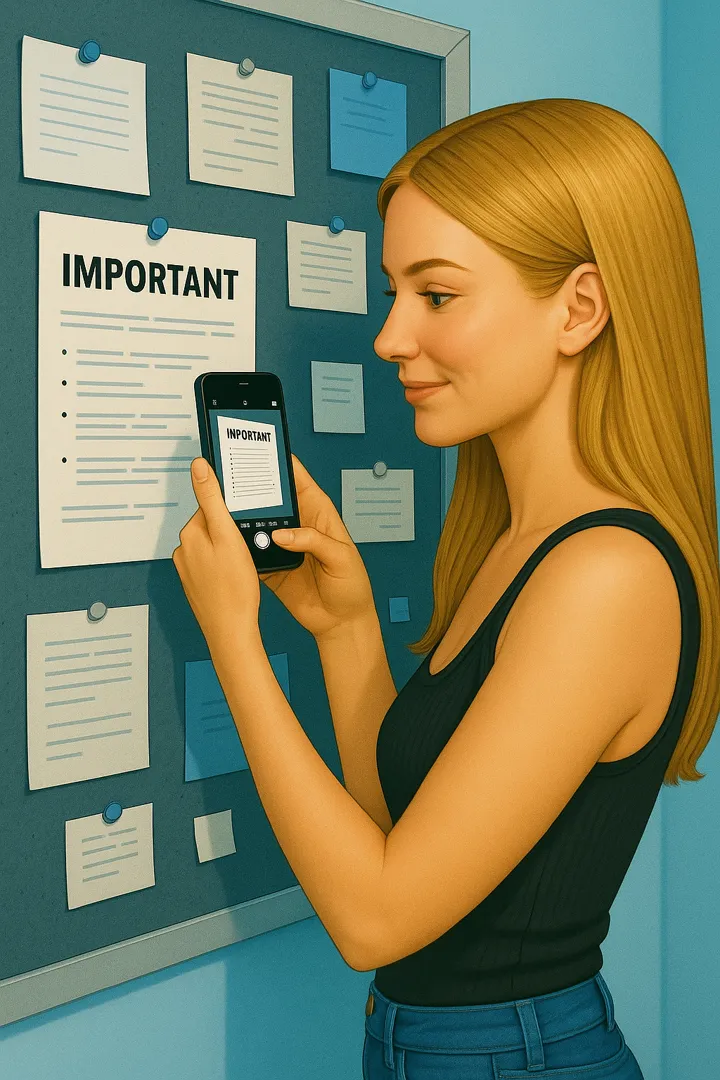
Notice spotted: the parents' evening on July 3 is cancelled – I've updated the event.
Monday · a quick photo in passing
Snapped. Sorted.
There's a note on the school board. One photo is enough: Tocket reads it, finds the matching event in your “School” topic and changes it – instead of creating a second one.
Parents' evening Jul 3 – cancelledupdated
New date to follow by letternote
Heads-up: there's no cloakroom at tonight's concert. Doors open at 7 pm.
Tuesday · screenshot of the ticket email
The small print reminds you itself.
From the confirmation email Tocket creates an event with the door time – and keeps the one sentence you'd never have read. On concert night the hint arrives exactly when you need it.
Concert · Sat 8 pm, doors 7 pmevent
No cloakroom – leave the jacket in the carreminder
There's a dinner in the family calendar – it clashes with your workout.
Wednesday · calendar connected
Sees what collides.
Tocket knows your calendar and puts new events next to it. Clashes show up before anyone waits in vain.
Family dinner · Wed 7 pmcalendar
Clashes with workout at 6:30 pmnote
One prompt. Research, emails, appointments – your AI handles it.
Thursday · one tap on a to-do
Your AI does the legwork.
Hand a to-do to ChatGPT or Claude and it works through it on its own: researches, compares, writes the emails and suggests dates – using everything Tocket knows from your screenshots and calendar. You just give the final OK.
Please take care of my to-do “Get quotes for the balcony repair” on your own. Let me know if you need anything from me.
Tocket Done the groundwork: • Researched 7 carpenters within 15 km and shortlisted 3 with 4.7★+ and free capacity in November. • Wrote each an inquiry with the measurements and damage photos from your screenshots. • Proposed site visits on Tue 5 pm or Thu 6 pm – your free slots in Tocket. The three emails are ready in your drafts. Shall I send them?
Send them.
Tocket Sent. The to-do is now “waiting for quotes”, I've set a follow-up for Nov 14 and will compare the offers for you as soon as they arrive.
You parked on P3, spot 267. Safe trip home!
Saturday · a quick note
Even the things you only mention.
Your own to-dos, notes or a quick question about an old screenshot – Tocket is always there. After the concert you still know where the car is.
Parking: P3 · 267note
Concert – donedone
How it works
You send. Tocket sorts. Nothing slips.
01
Send a picture
Share a screenshot, take a photo or let Tocket watch your screenshot folder. Chats, emails, letters, invoices, sticky notes – no tagging, no forms.
02
Tocket files it
The picture becomes events, to-dos, payments and notes – grouped into topics like “Porto trip” or “Renovation”. If an entry already exists, it gets updated instead of duplicated.
03
Reminds and answers
Push reminders at exactly the right time – and every answer in the app or straight in ChatGPT and Claude.
New · ChatGPT & Claude
Your AI now knows your everyday life.
Connect Tocket to ChatGPT or Claude. Then ask there about events, open invoices or saved info – and get things done right away: create, reschedule, check off. Tocket provides the data behind the scenes.
“Show me my day”“Which invoices are still open?”“Move the dentist to Monday”“What did I still want to book for Porto?”
ChatGPTClaude
You connect it right in the Tocket app – in just a few taps.
Why Tocket
Built for the age of ChatGPT and Claude.
Not another chatbot – the memory your chatbot is missing.
Just toss it over
Screenshot, photo, forward – Tocket reads every image.
Topics, not lists
Things that belong together end up together.
Connects the dots
New info updates existing entries – across weeks.
Speaks up on its own
Reminders when it matters – not when you happen to remember.
Zero setup
No prompting, no categories to create. It just works.
A bridge to your AI
ChatGPT and Claude can access your Tocket data.
Knows your calendar
Events in context – including clashes.
You're in control
Everything editable and deletable. AI access can be revoked anytime.
FAQ
Questions? Answers.
What can I send to Tocket?
Images – screenshots and photos: chats, booking confirmations, invoices, letters, notices or handwritten notes. On Android, Tocket can also pick up new screenshots straight from your screenshot folder if you allow it.
How do I connect Tocket to ChatGPT or Claude?
Right in the Tocket app – it walks you through it. All you need is a free Tocket account. After that your AI can read your entries and change them when you ask.
Do I have to write prompts?
No. Tocket works automatically as soon as an image arrives. You can still ask anything, anytime – in the app or in ChatGPT and Claude.
What if Tocket gets something wrong?
It happens. Every entry can be edited or deleted – and images without relevant content create nothing at all.
Is my data safe?
Your content is stored encrypted in Google Cloud and never shared. An AI connection only gets access if you sign it in yourself – and you can disconnect it in the app at any time.
Do I need an account?
No, you can start without one – everything then stays on this device. With an account you sync across devices and can connect ChatGPT or Claude.
Is there an iPhone version?
Tocket launches on Android. iOS is planned.
What does Tocket cost?
Nothing right now – Tocket is currently free. A subscription will follow later, expected to settle between €1 and €3 a month. Tocket is meant to stay cheap: less than a coffee a month.
Send Tocket your first picture.
In under a minute you'll see what Tocket makes of it.

 Notice spotted: the parents' evening on July 3 is cancelled – I've updated the event.